


DroneFlight™ - Kids Practice Drone
DroneFlight™ - Kids Practice Drone
Couldn't load pickup availability
The 30-Day Flight Guarantee
Fly it for thirty days. If you're unhappy with it for any reason, message us within 30 days of delivery and we'll walk you through a return and a full refund.
- 🛡️ Full cage on every propeller — made for indoors
- 🎮 Real two-stick remote — no phone, no app
- 🚁 One-key takeoff, auto-hover and 360° flips
- 🎄 Black Friday pricing — the gift he'll still be flying in March

Is it safe to fly indoors?
Is it safe to fly indoors?
Yes, that's what it's made for. Every propeller sits inside a full cage, so the spinning blades don't touch fingers, walls or furniture. It's palm-size and light. Keep it away from faces, hair and pets all the same.
Does it need a phone or an app?
Does it need a phone or an app?
No. It comes with its own two-stick remote: left stick for power, right stick for steering. Nothing to download, nothing to pair with a phone. The remote takes 3 AAA batteries, which aren't included.
Where can we fly it?
Where can we fly it?
Indoors in an open room, or outside on a calm day. It's very light, so even a light breeze will push it around. Flying outdoors in the US? Check the FAA recreational-flyer rules first.
What if it breaks, or we don't love it?
What if it breaks, or we don't love it?
If it arrives damaged or stops working, or you're unhappy for any reason, message us through the Contact page within 30 days of delivery and we'll walk you through a return and a full refund.
How long does shipping take?
How long does shipping take?
Allow about a week for processing. US shipping is free. Contact us for an update on your order.


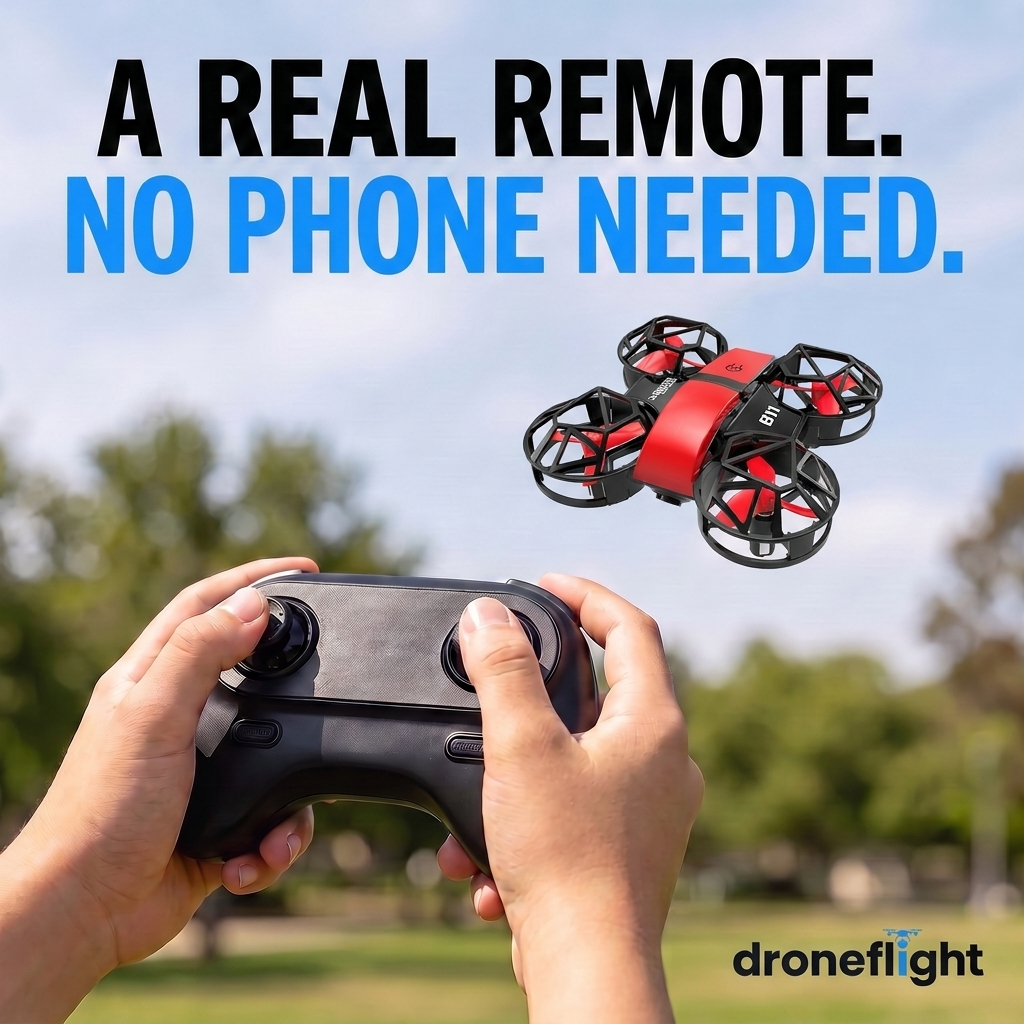
Press One Key. Watch It Lift Off and Hover.
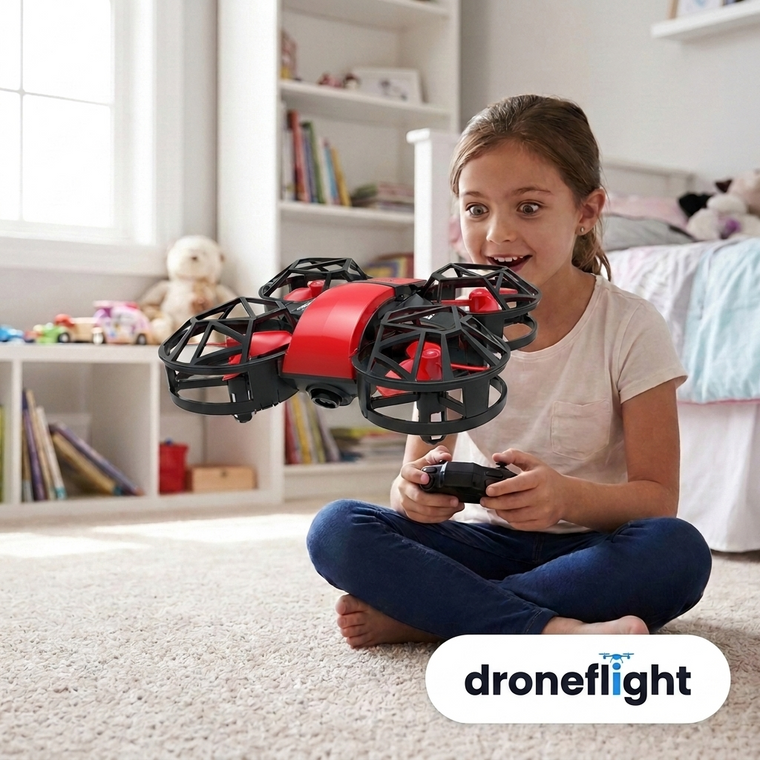
Every kid has been handed a drone that shot into the ceiling, dropped behind the sofa and never flew straight again. DroneFlight changes the first ten seconds. He presses one key and it lifts off the carpet and holds its height by itself, so all he has to do is steer. Headless mode keeps forward as forward whichever way it's facing, and three speeds let him start slow and work up to 360° flips. Same living room as always. This time he's actually flying it.
Every Toy Drone Is Done the First Time It Hits the Wall. This One Wears a Cage on Every Blade.
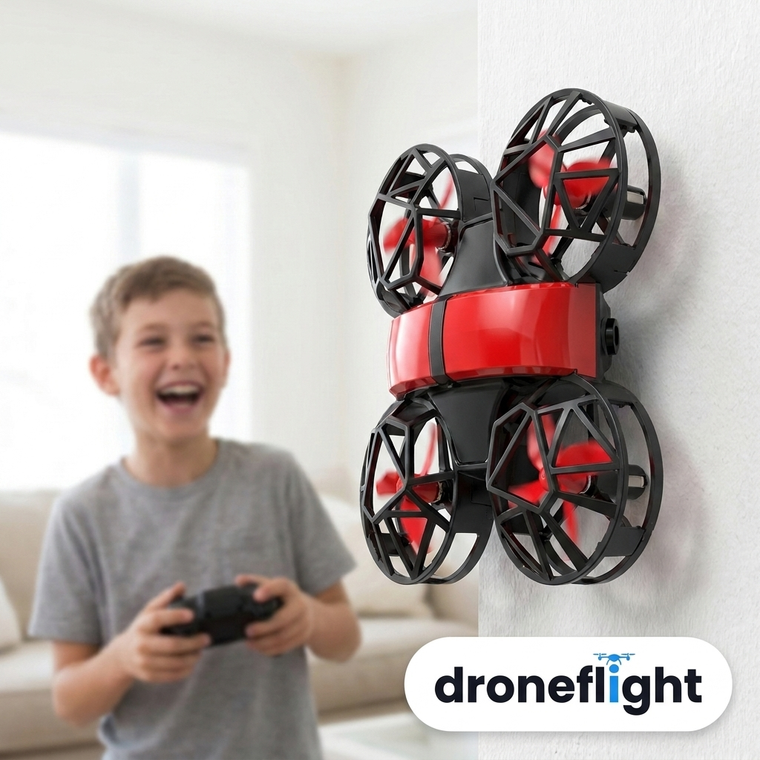
Most toy drones die on day one because the part that hits the wall is the part that spins: a bent propeller, a cracked arm, a spare-parts order that never arrives. DroneFlight is built the other way around. Each of the four propellers sits inside its own full cage, top and sides, so the cage meets the wall, the door frame or his little sister's hand, and the blade never does. Honest limit: it's a palm-size practice drone, not a camera drone, and it's light enough that wind pushes it around. Fly it indoors or outside on a calm day.
Hand Him the Remote and Step Back
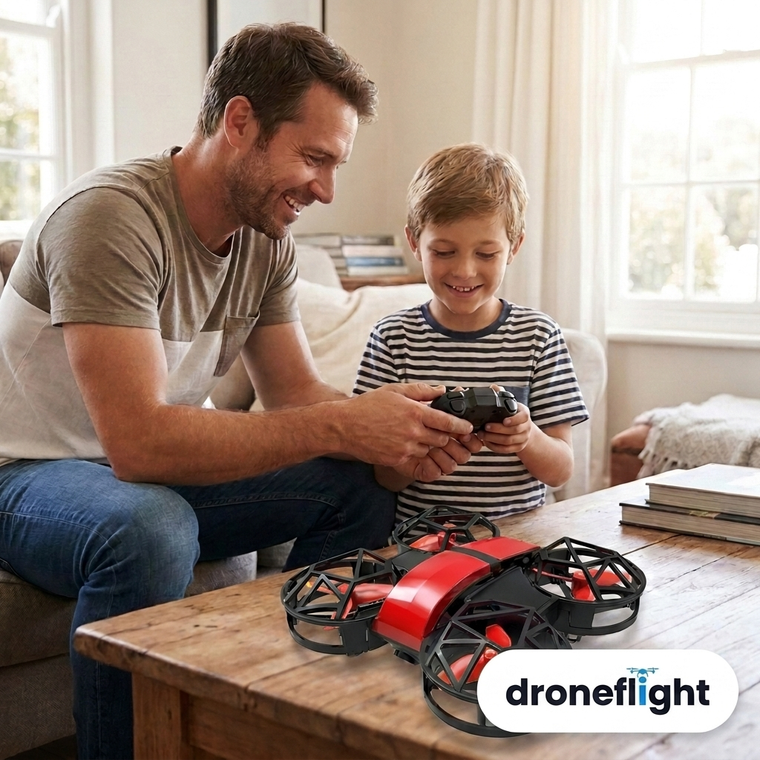
The 'screen-free' toys that need your phone end the same way: he's staring at a screen again, and you're the one fixing the Bluetooth. DroneFlight comes with its own two-stick remote, one stick for power and one for steering, laid out the way his hands already know from every game controller. No app to download, no phone to hand over. Rated for ages 8 and up, and there's a good chance you'll want a turn.
WHO IT'S FOR
Four people, one drone
Screen-tired parents, gift-hunting grandparents, first-time pilots and parents who've buried a few toy drones buy it for different reasons. It answers all four.
“Every toy loses to the tablet by Tuesday.”
A toy he has to get good at lasts longer than one he just switches on. First a hover, then a lap of the room, then a flip. There's always a next trick.
“Whatever I buy gets played with twice.”
Most gifts are finished the day they're opened. A drone he can fly in the living room on a rainy day comes back out, and two of them turn it into a race.
“Cheap drones break ten minutes in.”
Every toy drone he's had broke because the blades were the first thing to hit the wall. Here a cage hits first, on every one of the four propellers.
“He wants a real drone. I'm not buying a real drone yet.”
This is the one to learn on: real sticks, with altitude hold and headless mode to start, then three speeds and flips to grow into. Find out if he sticks with it before spending more.
THE WHOLE CASE
Four reasons, and that's the lot
A palm-size drone, a full cage on every propeller, one remote, and one key to get it in the air.
Everything in the box
SEE IT FLY


HOW IT WORKS
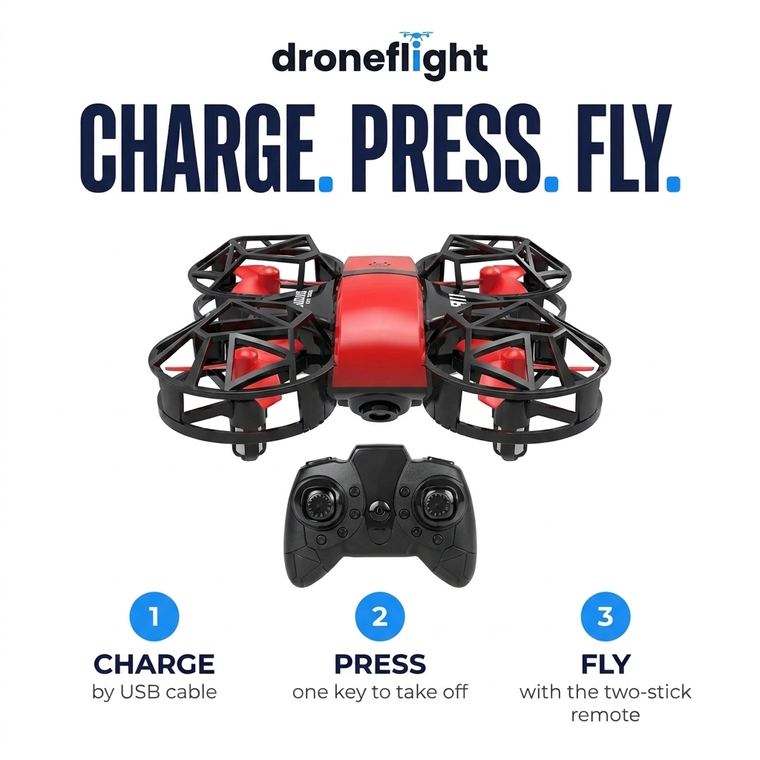
Charge. Press. Fly.
Every toy drone puts the spinning part where the crash happens. DroneFlight puts a cage there instead.
Step 1 — Charge it
Plug the USB cable into any phone charger, laptop or power bank. A full charge takes about 60 to 90 minutes. Put 3 AAA batteries in the remote while you wait.
Step 2 — Press one key
Set the drone on the floor, switch on the remote and press the takeoff key. It lifts off and holds its height by itself.
Step 3 — Fly it on real sticks
Left stick for power, right stick for steering. Start on the slow speed, then work up to a 360° flip. Press the landing key to bring it down.
YOUR FIRST AFTERNOON
From box to first flight
What getting it in the air looks like, start to finish.
Unbox and charge
Take out the drone, the remote and the USB cable. Plug the drone in and give it about 60 to 90 minutes.
Power up the remote
Add 3 AAA batteries, then switch on the drone and the remote.
First hover
Open room, slow speed, one key to take off. Let it hover, nudge the sticks to get a feel for them, then land.
Laps, then flips
Once he can fly a lap of the room, step up a speed and try a flip. When the battery runs down after 5 to 6 minutes, recharge and go again.
THE HONEST COMPARISON
Only one does all five
The 30-Day Flight Guarantee
Fly it for thirty days. If it isn't the toy that gets him off the tablet, or you're unhappy with it for any reason, message us through the Contact page within 30 days of delivery and we'll walk you through a return and a full refund.
Press. Lift Off. Fly.
★ 4.8/5 · Over 12,000 Drones Sold — every blade caged · one-key takeoff and auto-hover · real two-stick remote, no phone · 30-Day Flight Guarantee
ANY LAST QUESTIONS?
The things people ask before they order
Is it safe to fly indoors?
Yes, that's what it's made for. Every propeller sits inside a full cage, so the spinning blades don't touch fingers, walls or furniture. It's palm-size and light. Keep it away from faces, hair and pets all the same.
Does it need a phone or an app?
No. It comes with its own two-stick remote: left stick for power, right stick for steering. Nothing to download, nothing to pair with a phone. The remote takes 3 AAA batteries, which aren't included.
Is it hard to fly?
Press one key and it takes off and holds its height by itself, so he only has to steer. Headless mode keeps forward as forward whichever way the drone is facing, and there are three speeds to grow into. Expect a few practice flights.
How long does it fly on a charge?
About 5 to 6 minutes per charge, and about 60 to 90 minutes to recharge by USB. That's normal for a drone this size. With two drones, one flies while the other charges, which is why most families order the 2-pack.
Where can we fly it?
Indoors in an open room, or outside on a calm day. It's very light, so even a light breeze will push it around. Flying outdoors in the US? Check the FAA recreational-flyer rules first.
What if it breaks, or we don't love it?
If it arrives damaged or stops working, or you're unhappy for any reason, message us through the Contact page within 30 days of delivery and we'll walk you through a return and a full refund.
How long does shipping take?
Allow about a week for processing. US shipping is free. Contact us for an update on your order.